August 10, 2026
How to Start an Online Store in 2026: The Realistic Version
How to start an online store in 2026: the actual sequence, what it costs, how long it takes, and the decisions that matter before you build anything.


Search this question and you get the same article twenty times over: pick a niche, choose a platform, add products, launch, run ads. Every step is technically correct. Together they describe about a fifth of the work, and they skip the parts that actually decide whether the store survives its first six months.
This is the version with those parts left in. It covers the sequence that works, what each stage realistically costs, how long it takes, and the three decisions that matter more than your theme choice.
No income figures, no timelines promising results by next month. If that is what you are looking for, this is the wrong page.
What you will learn:
Most guides start with the platform. That is the easiest decision to reverse and the least consequential. These three are neither.
Not "which product" — that changes. The question is what makes someone buy it from your store rather than from the fifty other places selling something similar. There are only a handful of honest answers: you make it, you know the category deeply, you serve a specific audience nobody else bothers with, you deliver faster, or you bundle in a way others do not.
"Better website" is not an answer. Neither is "lower price" unless you genuinely have a cost advantage, which as a beginner you almost certainly do not.
These are different businesses with different cost structures, different risks and different skill requirements: physical products involve inventory, shipping and returns, while digital products have near-zero cost per sale but demand expertise people will pay for and much harder distribution. For physical offers, your business model usually comes down to in-house fulfillment, third-party fulfillment services, or dropshipping, each with different margins, control, and operational demands. In-house fulfillment means storing and shipping products yourself, while third-party fulfillment services handle storage and shipping for you. Dropshipping eliminates the need to hold inventory and can reduce inventory upfront costs for new stores. We compared them properly in ecommerce vs digital products.
Decide this before you spend anything, and write the number down so your budget accounts for both upfront costs and ongoing maintenance, not just launch spending. It defines which model is available to you, how many product tests you can afford, and — most importantly — when you stop. People who lose money badly are almost always people who never set that number and kept extending.
If you have not settled on a model yet, our overview of online business models for 2026 walks through the options with the same trade-off framing, and the dropshipping alternatives article covers the low-inventory routes specifically.
The order matters more than the individual steps. Most rework in first stores comes from doing step five before step two.
Pick something where you can tell a good product from a bad one without a tool telling you, and let that choice be informed by market research, including market trends, not just personal interest. That knowledge is what lets you evaluate suppliers, write product pages that sound like a human, and answer customer questions without guessing.
Practical test: can you name three things that make a product in this category good, and three that make it bad? If not, pick a different category or spend a fortnight learning this one first. Before you commit, define your target audience with basic customer demographics or buyer personas, since this helps refine product offerings and customer targeting.
This is the step almost everyone skips, and it costs the most when skipped. Before you spend on a store or invest heavily in inventory, confirm people are actively looking for what you plan to sell.
Cheap ways to check: search volume for the category and specific product terms; keyword research; how many established sellers already compete; whether existing listings have recent reviews, which tells you sales are happening now rather than three years ago; and whether people ask about the problem in forums or communities.
If you find no competition at all, that is usually a warning rather than an opening. It generally means there is no money there.
For a first store, this decision is far less important than it feels. Any major e commerce platform will handle your first thousand orders without complaint. What matters is picking one and stopping the research.
Hosted platforms cost a monthly fee and handle hosting, security and payments for you, while an e-commerce platform helps host and build the store. Self-hosted options are cheaper monthly and more expensive in time. For a beginner, the monthly fee buys back hours you do not have.
One rule worth following: choose based on your business needs in twelve months, not in five years. You will know far more in five years, and migrating a small store is not the disaster it is made out to be.

Where the product comes from determines your margin, your delivery time and your refund rate — three of the four numbers that decide whether the business works. Your fulfillment choice is a core part of your business model, and costs and service levels vary depending on the provider.
Order samples of everything you plan to sell. Every single item, to your own address, through the same route your customer will use. If the delivery time or the quality disappoints you, it will disappoint your customer at scale, and you will find out through refund requests instead of through a sample box.
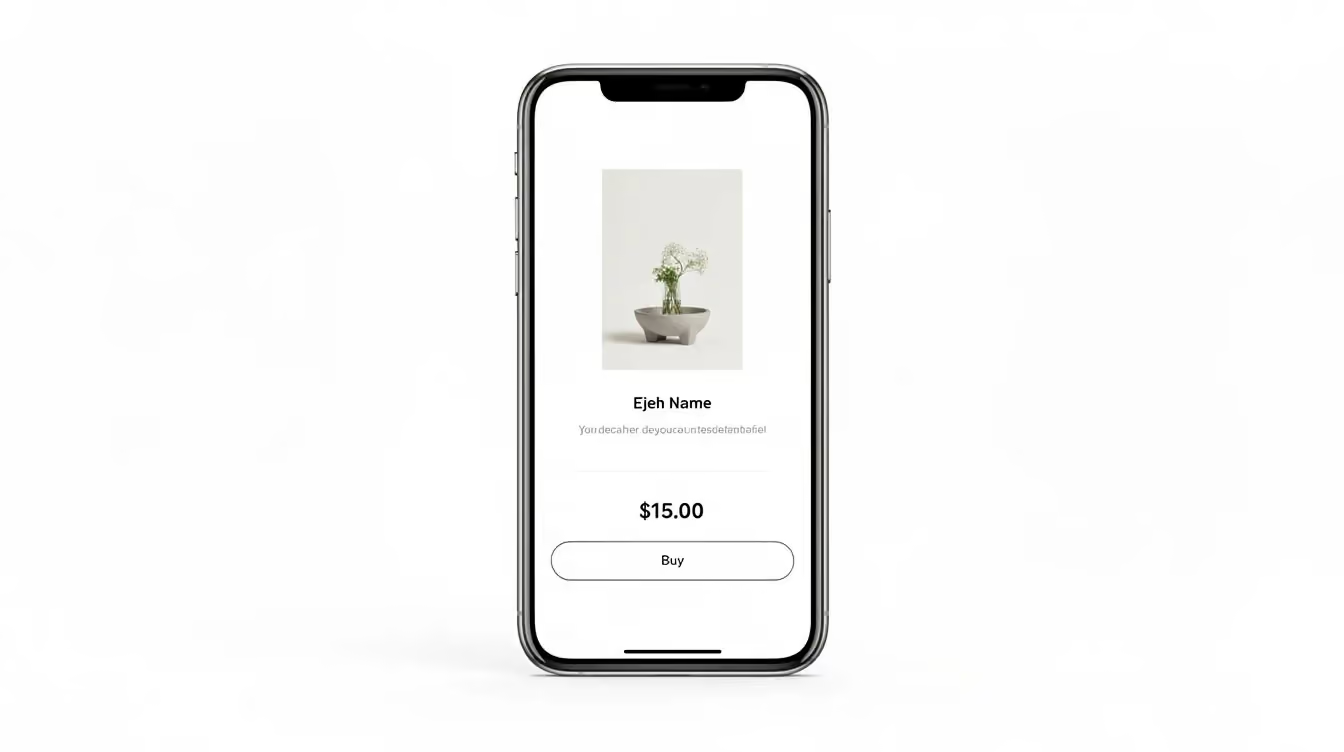
A clear home page, a working checkout that can accept payments, five to ten products, honest shipping information, clear returns terms, and the legal pages your jurisdiction requires. That is enough to launch.
Resist the urge to install apps. Every app adds cost, load time and a potential conflict at the next update. Start with none beyond what the platform includes, and add only when a specific problem forces it. This pattern gets out of hand fast — we covered it in why most stores get stuck in tool chaos.
Two routes, and beginners usually need both in sequence. Organic first — content, communities, social posts about the category, plus SEO — because it is slow but teaches you what people actually ask. A steady social media presence also builds brand awareness through regular posts. Paid second, in small amounts, once you know your break-even acquisition cost; for example, paid ads on Facebook and Instagram can help reach customers and potential customers with precise targeting.
Calculate that number before you spend anything on ads: selling price minus product cost minus shipping minus payment fees minus your expected refund rate. Whatever remains is the absolute maximum you can pay to acquire a customer. Exceed it and you lose money on every additional sale.
Pack them yourself if you can. Write the confirmation emails by hand. Follow up personally and ask what nearly stopped them from buying. Let feedback from early customers shape the next edits to your product pages and checkout.
Those ten conversations will teach you more about your product page, your pricing and your shipping promise than any analytics dashboard at this stage, because customer feedback helps improve online store performance. Automate afterwards, not before — automating a process you have not yet understood simply produces mistakes faster. Where the line sits is covered in what should never be automated. Once those first buyers exist, email marketing can spotlight new products and offers for existing customers and start building customer loyalty.

Figures below are illustrative ranges for a first store, not quotes, because an online store depends on your country, category, and how much you do yourself.
Your own time. Product research, supplier conversations, writing pages, handling the first customers. For a first store this runs into the hundreds of hours before there is revenue to speak of. Whether that is affordable is a real question, and it deserves an honest answer before you start rather than four months in.

Assuming evenings and weekends rather than full-time:
Stores that eventually work are usually unprofitable through this entire window. Stores that never work are usually abandoned inside it. The difference is rarely the idea — it is whether the testing budget and the stopping point were set in advance.
For a more structured version of that arc, our 90-day roadmap lays out what to do in which order.
Contribution margin per order, refund rate and acquisition cost — three numbers, checked weekly. The five core ecommerce systems article covers what needs to be in place before scaling.
The skills that carry across every model are worth front-loading: reading your own numbers like conversion rate and customer acquisition cost, evaluating suppliers, writing product pages that convert, and running customer service without it consuming your week. Platform-specific knowledge matters far less than it appears to. Our ecommerce learning path sets out a sequence that avoids the usual overwhelm, and the skills that actually pay in 2026 covers where the leverage sits now.
AI belongs later in that sequence than most content suggests — useful for product descriptions, support triage and data summaries once the process exists, unhelpful as a substitute for understanding your own business. We covered where it applies in AI for ecommerce, with hands-on support through AI automation coaching.
It depends entirely on the model. Print on demand and digital products can start with the platform subscription, a domain and a small testing budget. Holding your own branded inventory realistically needs several thousand. Anyone telling you a specific universal figure is either selling something or guessing.
Any of the major hosted platforms will handle a first store fine. The decision matters far less than the time spent deciding. Pick one, build, and revisit in twelve months when you know what you actually need.
Requirements depend on your business type, location, and sometimes turnover, and they carry tax and liability consequences. Common structures include a sole proprietorship, though the right choice varies; depending on where you operate, you may need to register the business and obtain permits before you start selling. This is worth twenty minutes with an accountant or your local business advisory service before you launch rather than after. We are not qualified to advise on it and neither is any generic guide.
There is no honest single answer — it depends on the model, the category and how much time you can commit. What we can say is that most stores that eventually work were unprofitable for their first several months, and most that never worked were abandoned during that same window.
Yes, and most people start that way. It changes which models are realistic: prioritise ones with fewer moving parts, no complex fulfilment and a marketing approach that does not need daily attention. Set a weekly time budget before you commit, the same way you set a money budget.
Starting an online store is not hard in the technical sense. Building the store is the easiest part and gets easier every year. What is hard is choosing something worth selling, confirming people want it, and staying solvent long enough to learn what the first customers teach you.
Do those three things in that order and the rest is execution. Skip them and no platform, theme or tool will compensate.
If you want the full sequence rather than another list of tactics, the Webgru Academy covers fundamentals, platform setup, product research, sourcing, automation and scaling in one path — built for beginners, no hype. The Starter tier begins at $199 with a 14-day money-back guarantee. You can also read Marko’s background or get in touch if you would rather talk it through first.
Last updated: August 2026. Cost and timeline figures in this article are illustrative ranges based on common beginner scenarios, not guarantees or research findings. Platform pricing changes regularly — check each provider directly. Nothing here is legal, tax or financial advice. Results depend on execution, category, market and effort.
Our latest news and trending topics
Learn E-Commerce with clarity, discipline and real experience.


.png)
.avif)